
Band Portal guide
Put your music on The Band Index
Upload your tracks, choose when each one goes public, and share it with your fans.
Upload a track
Each band can keep up to 50 tracks and upload 10 a day. The top of the Music tab shows how many you have and how many uploads are left today.
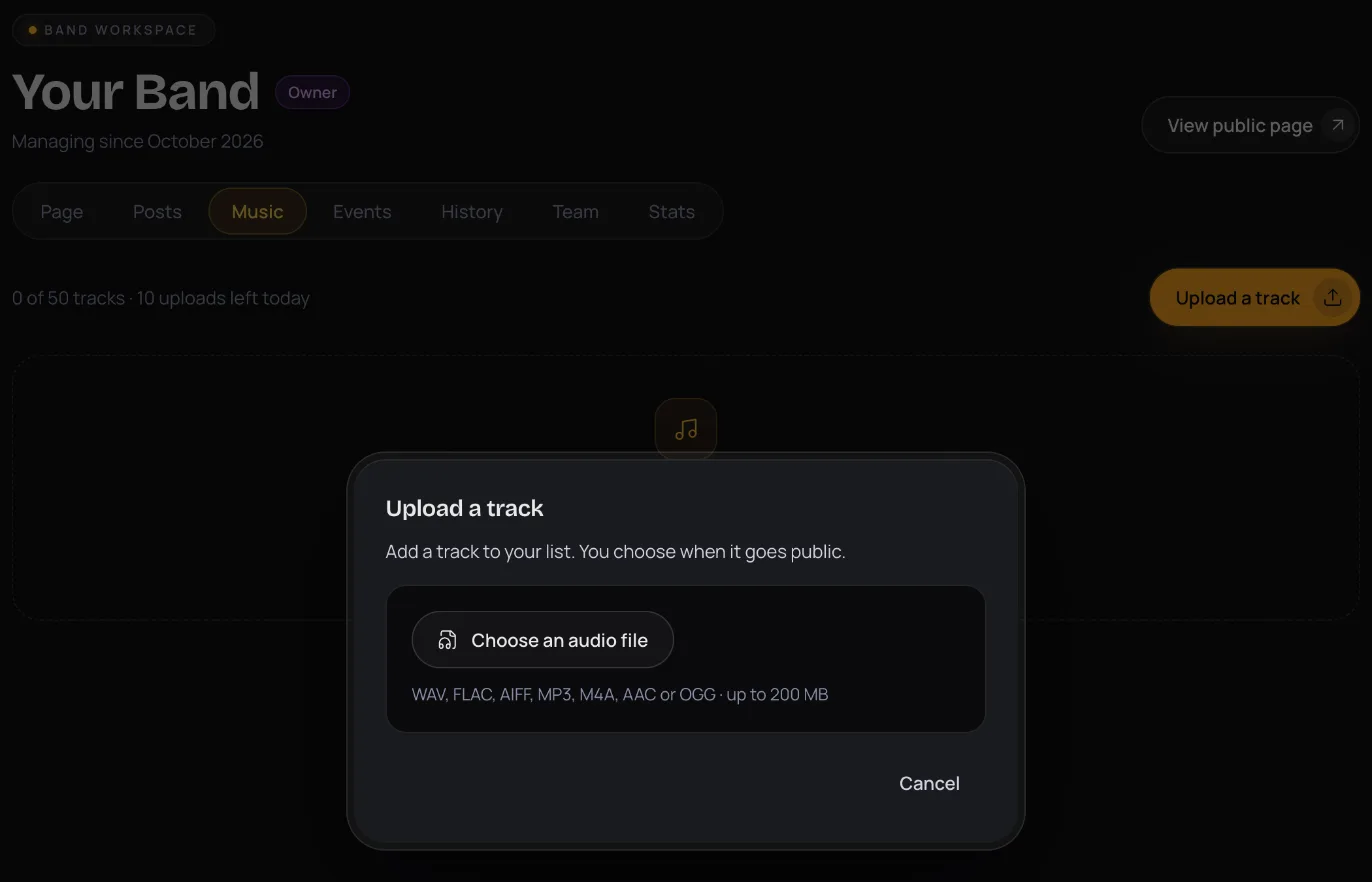
- Open your band's Music tab and press Upload a track.
- Press Choose an audio file. WAV, FLAC, AIFF, MP3, M4A, AAC and OGG all work, up to 200 MB and 15 minutes long.
- Fill in the Title and choose the Type: Demo, Single, Track, Live recording, Acoustic version, Remix or Instrumental.
- Tick the box to confirm you own or control the rights to the recording.
- Press Upload. We process the audio, which usually takes under a minute.
Choose who can listen
- Open the track's menu and choose Publish….
- Under Who can listen, pick one:
- Public now: everyone, straight away.
- Schedule: pick a date and time more than 5 minutes and less than a year ahead.
- Unlisted link: only people with the link can listen. Good for sending a track to press before it's out.
- Draft (hide it): nobody outside your band's team.
- Press the button at the bottom to confirm, such as Publish now or Schedule.
Add details, credits and lyrics
Open the track's menu and choose Edit. Nothing changes for fans until you press Save.
- A cover image: PNG, JPEG or WebP, 300 to 6000 px, up to 5 MB. Without one, your band's logo shows.
- Title, Type, Release date, Explicit, Description and Lyrics.
- Credits: who played, wrote or produced it, up to 40.
- Links to the track elsewhere, up to 6: Spotify, Apple Music, Bandcamp, YouTube or SoundCloud.
- The track's ISRC, if it has one.
Order and feature your tracks
Use Move up and Move down in a track's menu to set the order. Choose Feature on your band page to feature a track there, and Remove from featured to undo it.
Share a track
Choose Copy link in a track's menu to copy its link. Share… gives you more: ready-made images for an Instagram story or post, a suggested caption, and buttons for X and Facebook.
Replace or delete a track
Choose Replace audio to upload a new file for the track. Choose Delete to take it off The Band Index. Fans lose access right away.
See your plays
The Stats tab shows Tracks, last 28 days: plays, listeners and share visits for each track, and your top channels. Publish a track to see plays there.
All guide pages
Ready to start?
Find your band and send a claim, or add it if it isn't on The Band Index yet. It's free.